
THE DETAILS BEHIND EVERY CONNECTION
Precision Components
for Electronics
& Connector Molds
From everyday products
to the mold details that shape them.
For mold makers producing electronic housings and connector bodies. Connect the end-use application to the forming detail, locating reference and inspection requirement.
Made to your drawing · Feature-specific review
FROM THE PRODUCTS YOU RECOGNIZE
01THE MOLDED PARTS INSIDE↓
02THE MOLD COMPONENTS THAT FORM THEM↓
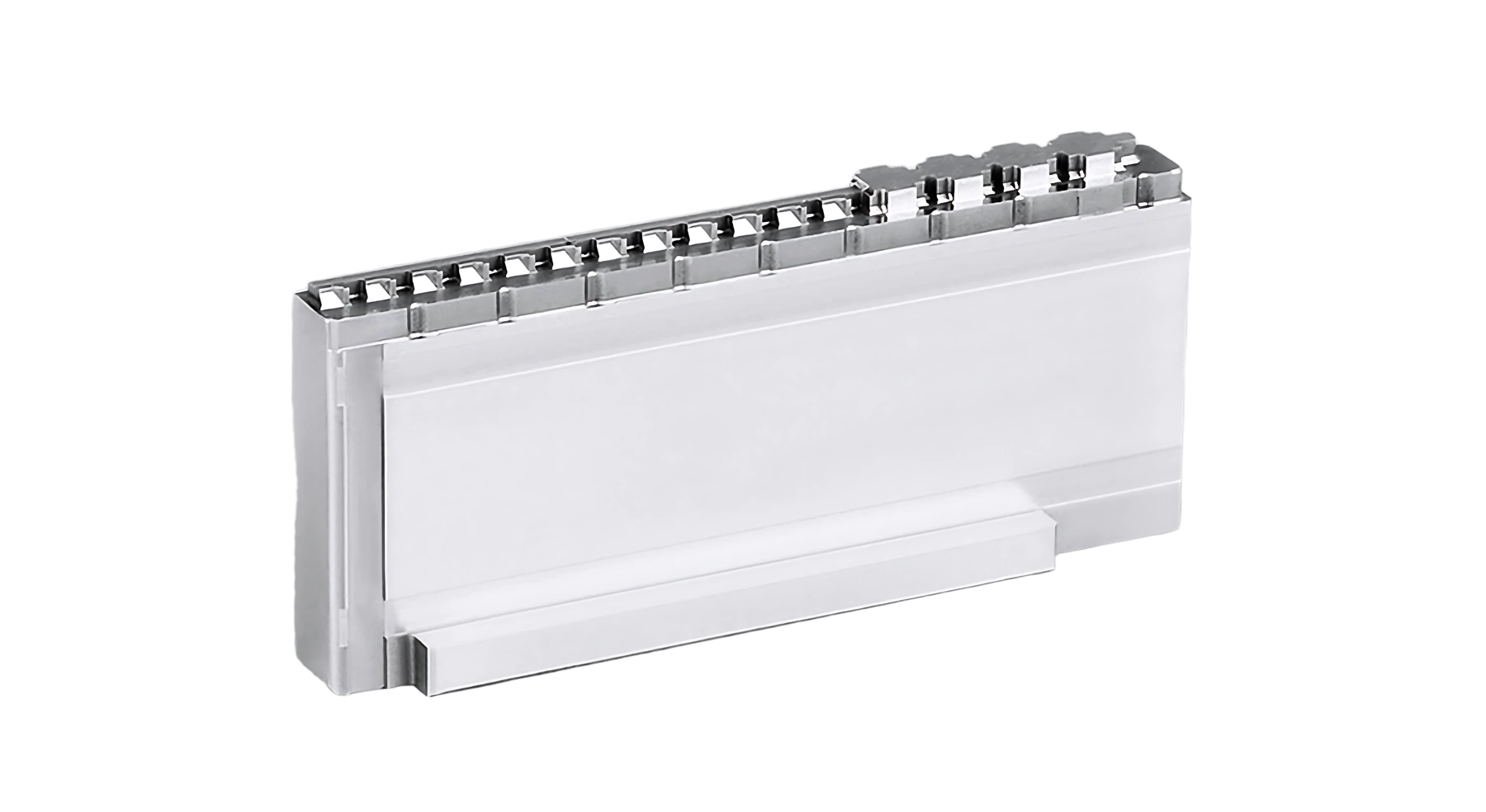
Illustrative application paths · AI product concepts + SENLAN tooling examples.
01 / THE APPLICATION CONTEXT
Recognize the product.
Understand the tooling need.
Follow the application from a familiar finished product to its molded housing or connector, then to the component features that matter in your drawing.

01 / CONSUMER ELECTRONICS
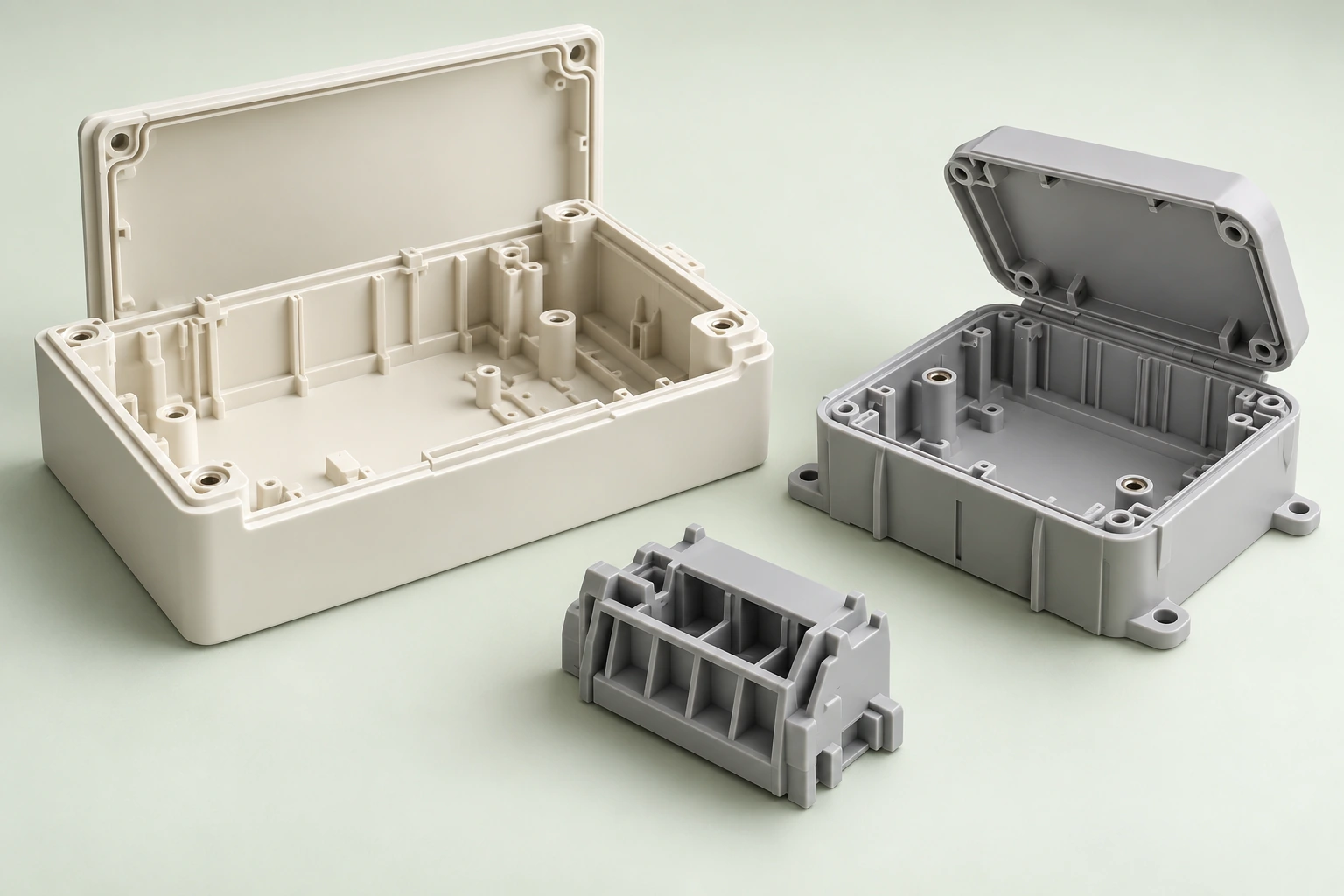
MOLDED PART EXAMPLES
Laptops & smart devices
Molded part Electronic housings and internal connector shells.
Tooling review Review thin ribs, local sections, terminal features and the insert references that locate them.

02 / HOME APPLIANCES
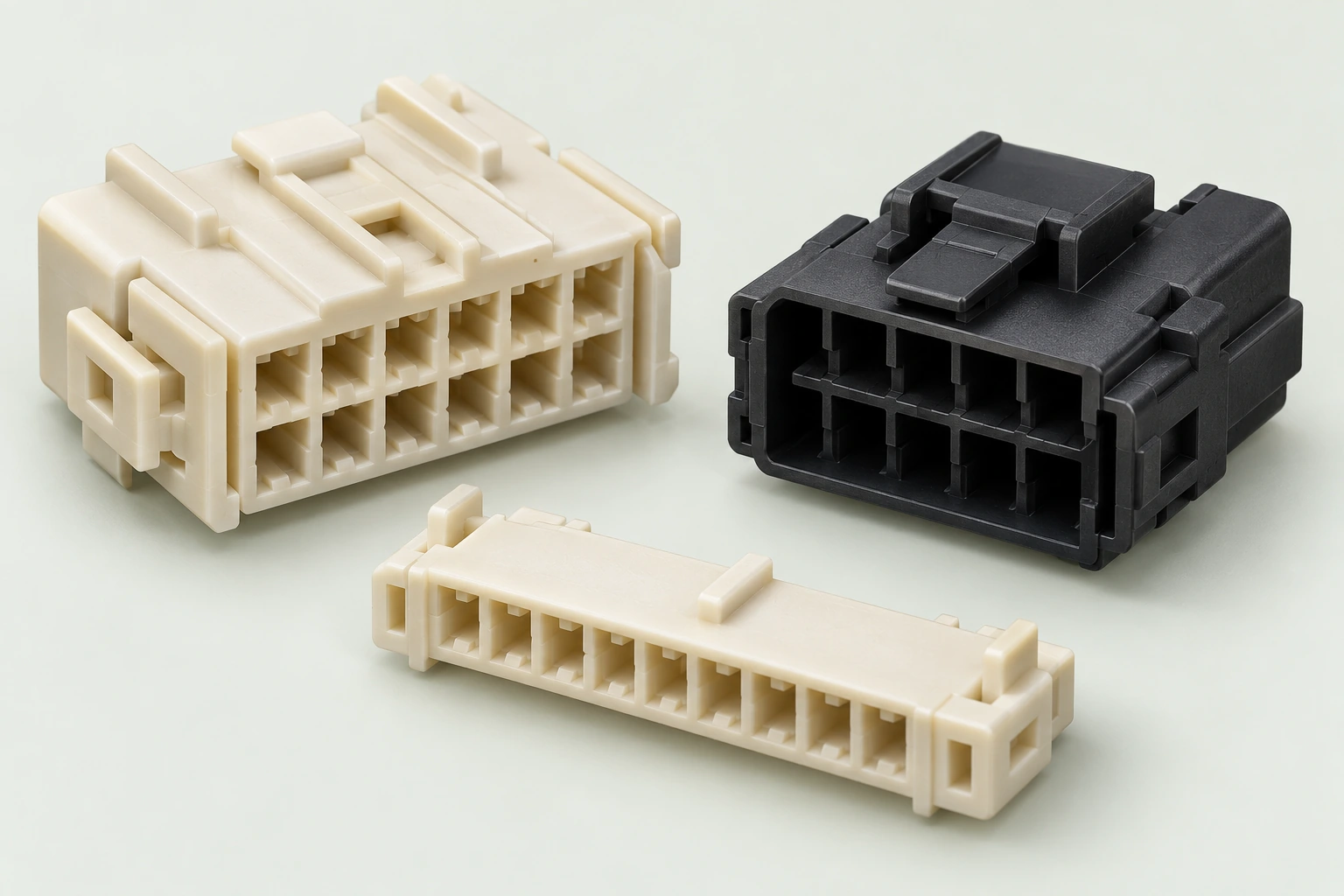
MOLDED PART EXAMPLES
Washing machines & appliances
Molded part Control housings and internal connector bodies.
Tooling review Review terminal openings, forming-pin support and the reference used to locate repeated features.

03 / AUTOMOTIVE ELECTRONICS
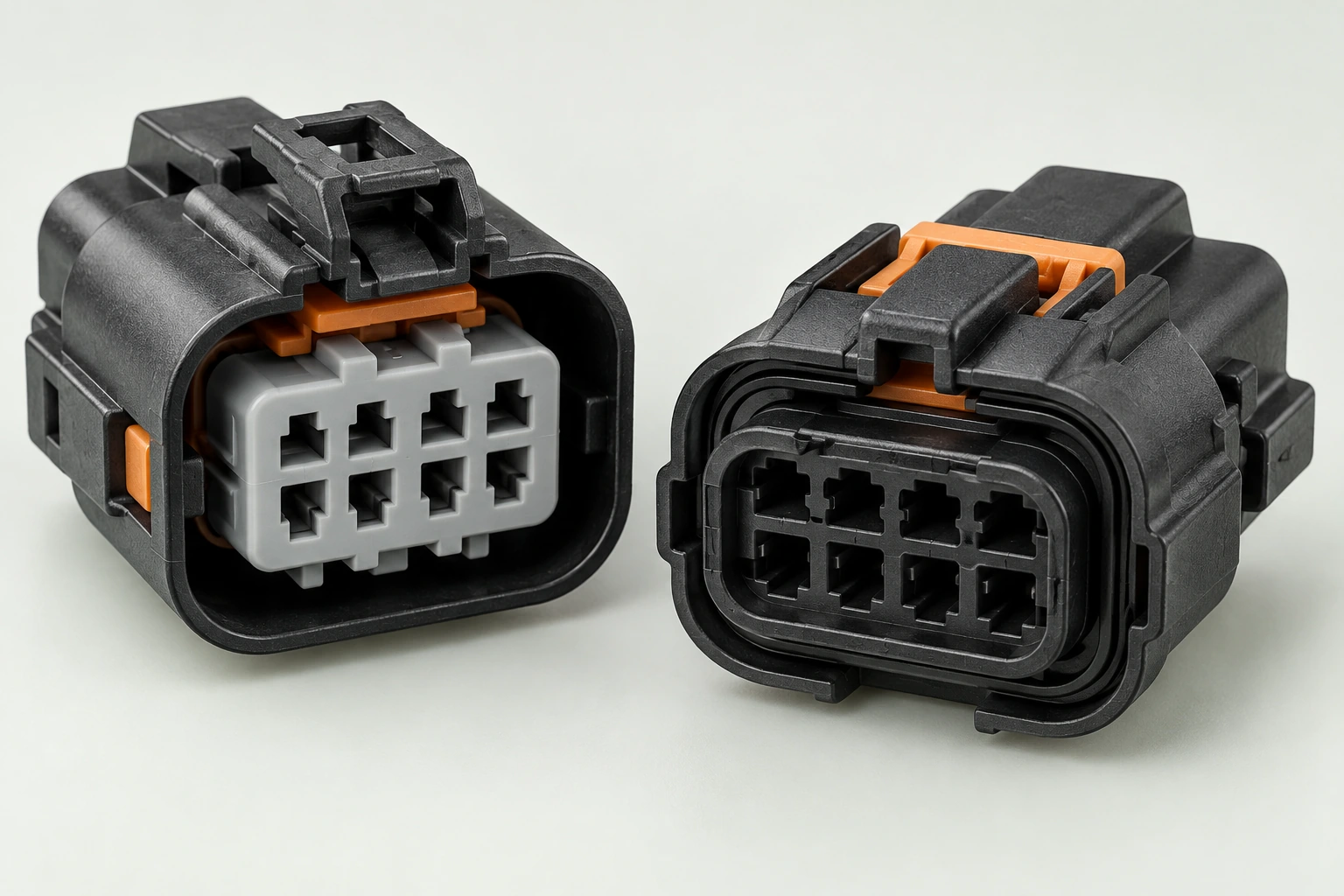
MOLDED PART EXAMPLES
Vehicles & electrical systems
Molded part Connector bodies with locking and mating details.
Tooling review Review latch-forming regions, shutoff contact, protected edges and the counterpart geometry.
Application examples are illustrative, not identified customer projects. End-product and molded-part images are AI concepts; SENLAN tooling photographs are separate library examples, not exact matched parts.
02 / FIND YOUR COMPONENT SCOPE
The function comes first.
Choose a family to review the forming detail, how it is supported, and the features that need to be checked.
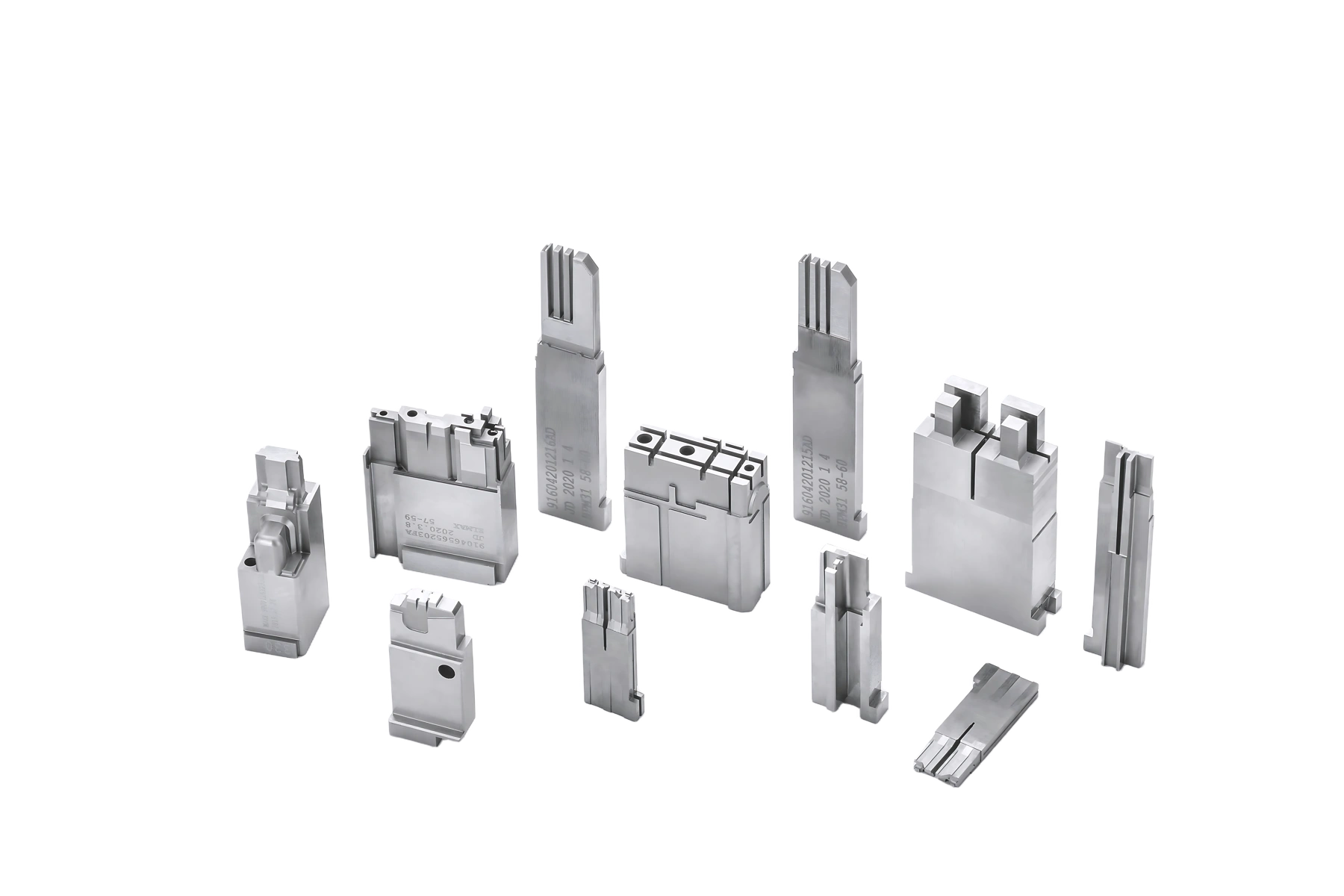
FORMING DETAIL / REMAINING STEEL / DATUMS
Read the steel
between the features.
A narrow top-view feature may extend into a deep, restricted-access region. Show the local section as well as the external shape.
| Forming requirement | Slot width and depth, root radii, wall section and edge condition. |
| Assembly context | Insert boundaries, seating surfaces, locating features and mating components. |
| Check to agree | Datum-related size and position, visible profile and access to critical features. |
Protect specified edges when planning deburring, polishing and surface treatment.
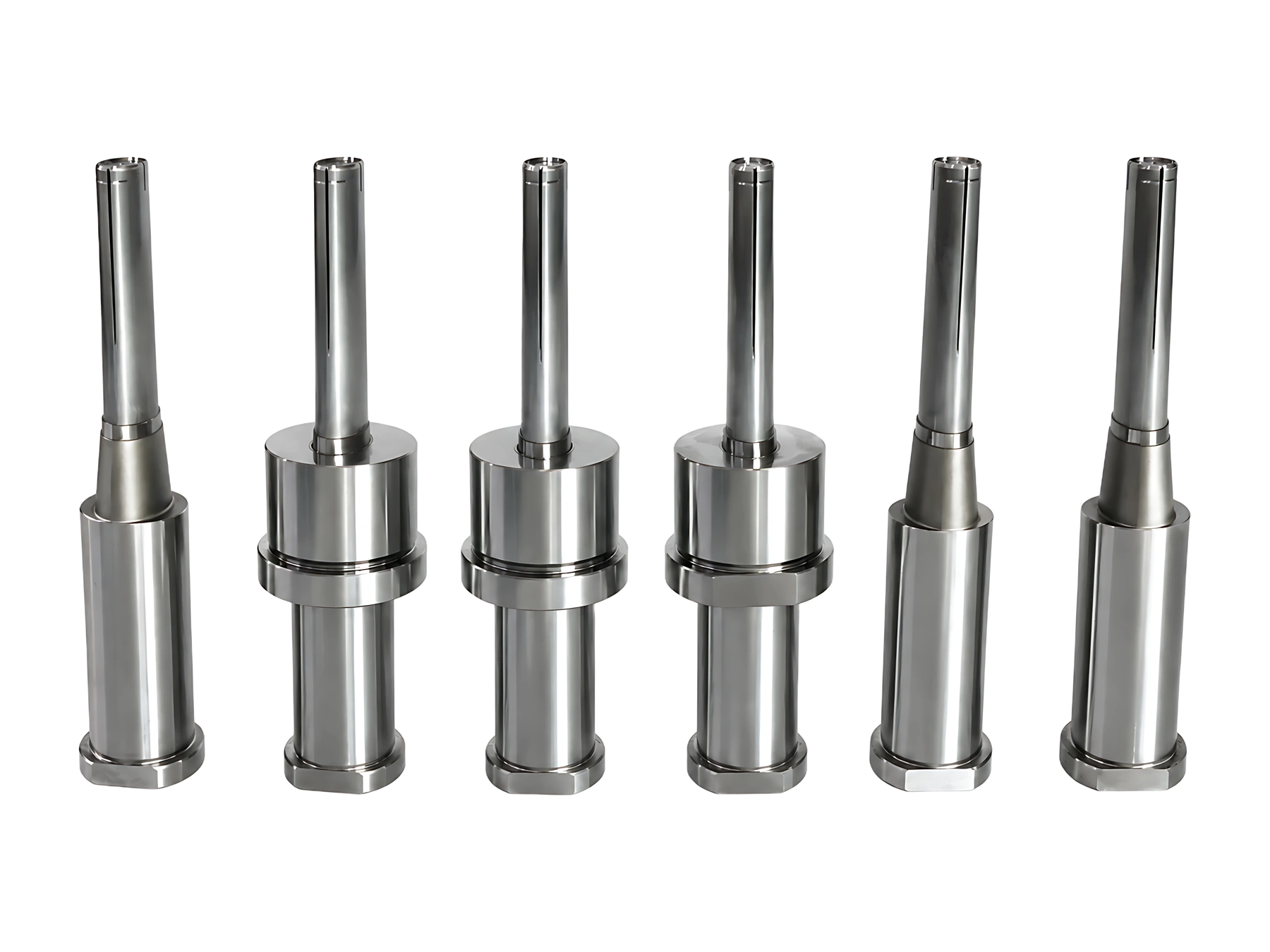
FORMING END / SHOULDER / SUPPORT
Separate the tip
from the locating fit.
A forming diameter and a locating diameter serve different purposes. Define both, including how the tip is supported in the assembly.
| Forming requirement | Forming profile, tip geometry, local diameter and surface requirement. |
| Assembly context | Locating diameter, shoulder, supported length and orientation feature. |
| Check to agree | Diameter, shoulder position and the forming-end relationship to the datum. |
The drawing supplies numerical tolerances. Illustrative geometry does not establish a minimum feature size.
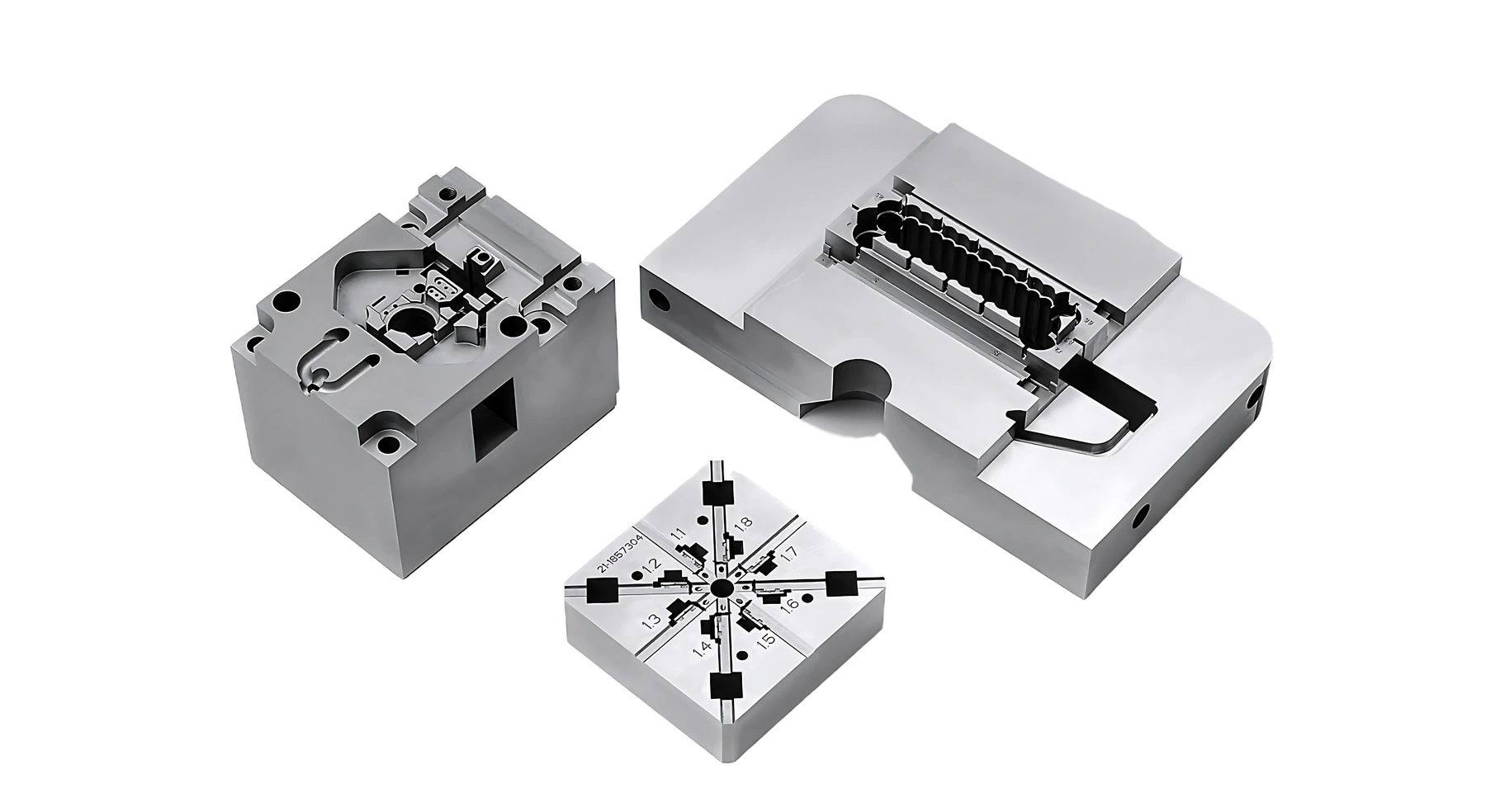
CLOSING DIRECTION / CONTACT / RELIEF
Define the faces
that meet.
Mark the closed condition and show the counterpart. Separate guiding surfaces, intentional contact and relieved regions.
| Forming requirement | Contact land, local profile, protected edges and permitted corner breaks. |
| Assembly context | Movement direction, mating references and the closed position. |
| Check to agree | Individual dimensions plus any specified contact, gauge or assembly check. |
Dimensional conformity alone does not establish unrestricted interchangeability or successful mold trials.
03 / FEATURES THAT SHAPE THE REVIEW
From the component
to the local detail.
Read the section, locate the reference, and agree how the feature will be checked. Open each illustrative sheet to inspect the linework.
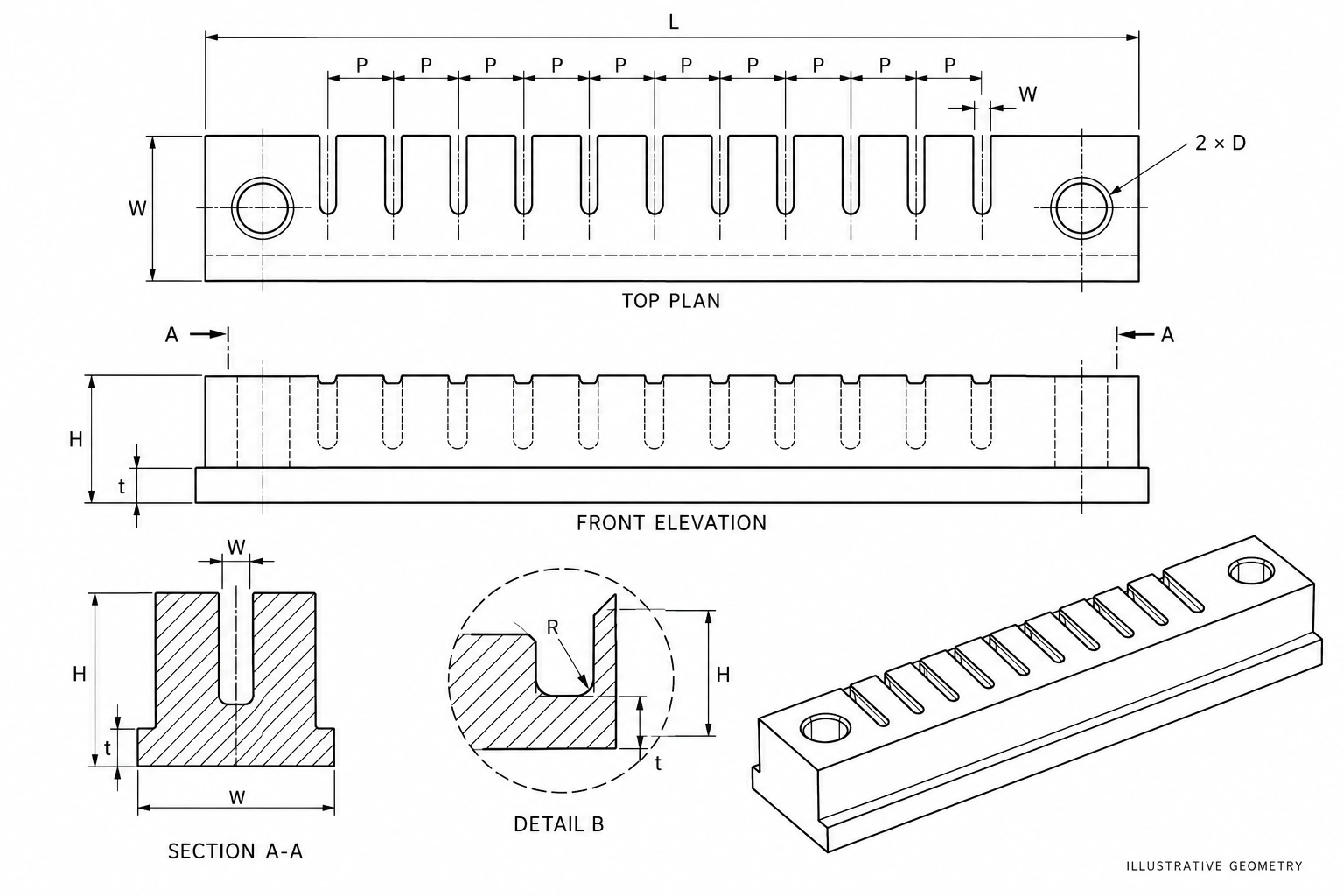
| Forming geometry | Slot width, depth, pitch, root radius and the remaining steel between adjacent features. |
| Machining review | Show tool or electrode access and the surfaces that need support through finishing. |
| Inspection scope | Separate feature size from datum-related position. Mark protected edges and report requirements. |
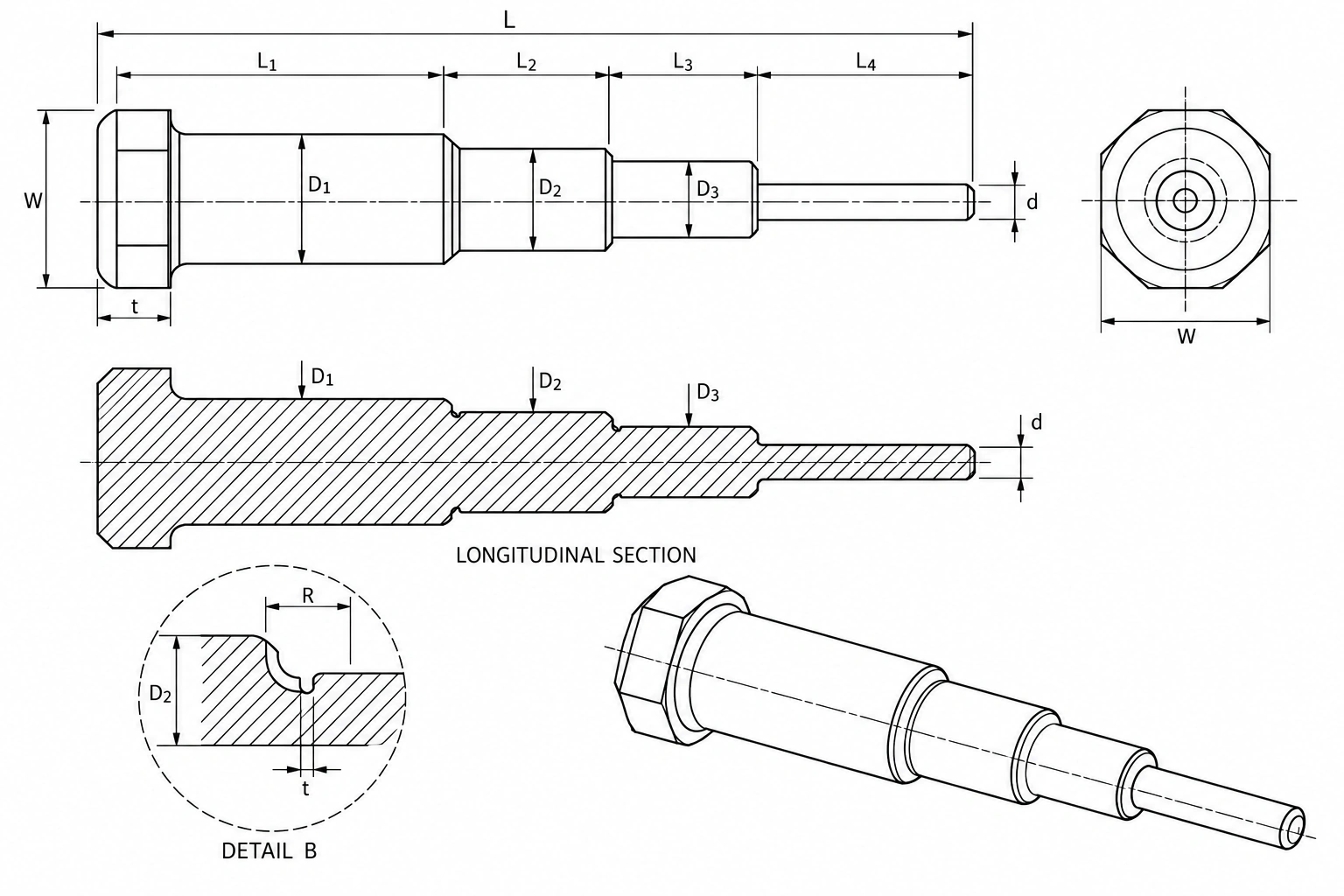
| Forming end | Specify the tip profile, local diameter and surface condition. Identify transitions and reliefs. |
| Location & support | Define the shoulder, locating diameter, supported length and any orientation feature. |
| Inspection scope | Agree the tip-to-datum relationship, shoulder position and measurement access. |
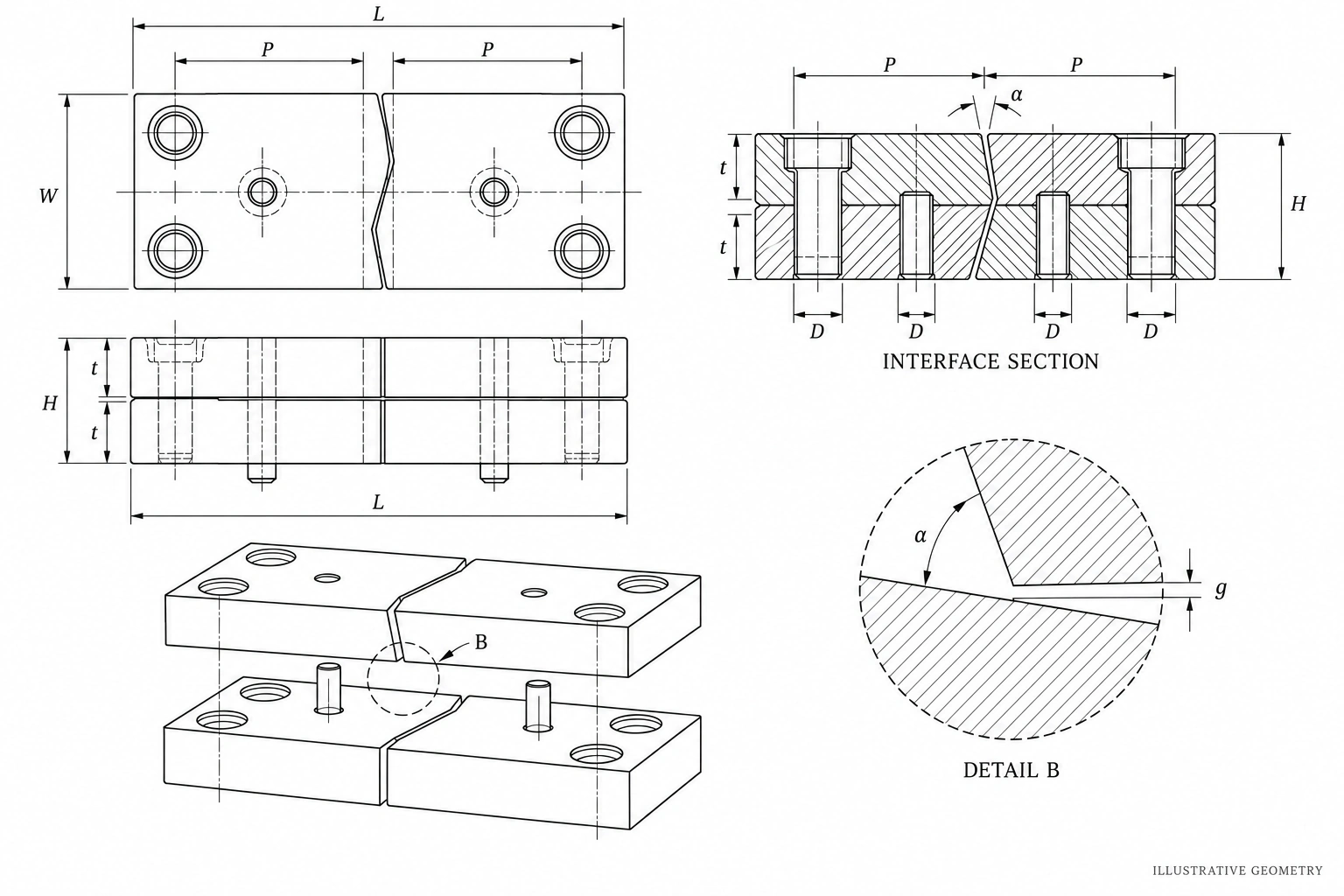
| Mating condition | Identify contact land, relief, closing direction and the corresponding mating part. |
| Part-to-part reference | Define common datums, drawing revisions and the identification of matched pieces or spares. |
| Acceptance scope | Specify dimensions, contact checks and any gauge or assembly checks as separate requirements. |
AI-generated engineering illustrations with symbolic dimensions. These original concepts are not customer drawings or manufacturing instructions. Photographs are separate SENLAN library examples; they do not show the illustrated part. Numerical specifications must come from your approved drawing.
04 / MATERIAL REFERENCES
Materials for custom
mold components.
Six alternatives drawn from SENLAN component records. Select the grade for each component and its function; the final specification follows your drawing.
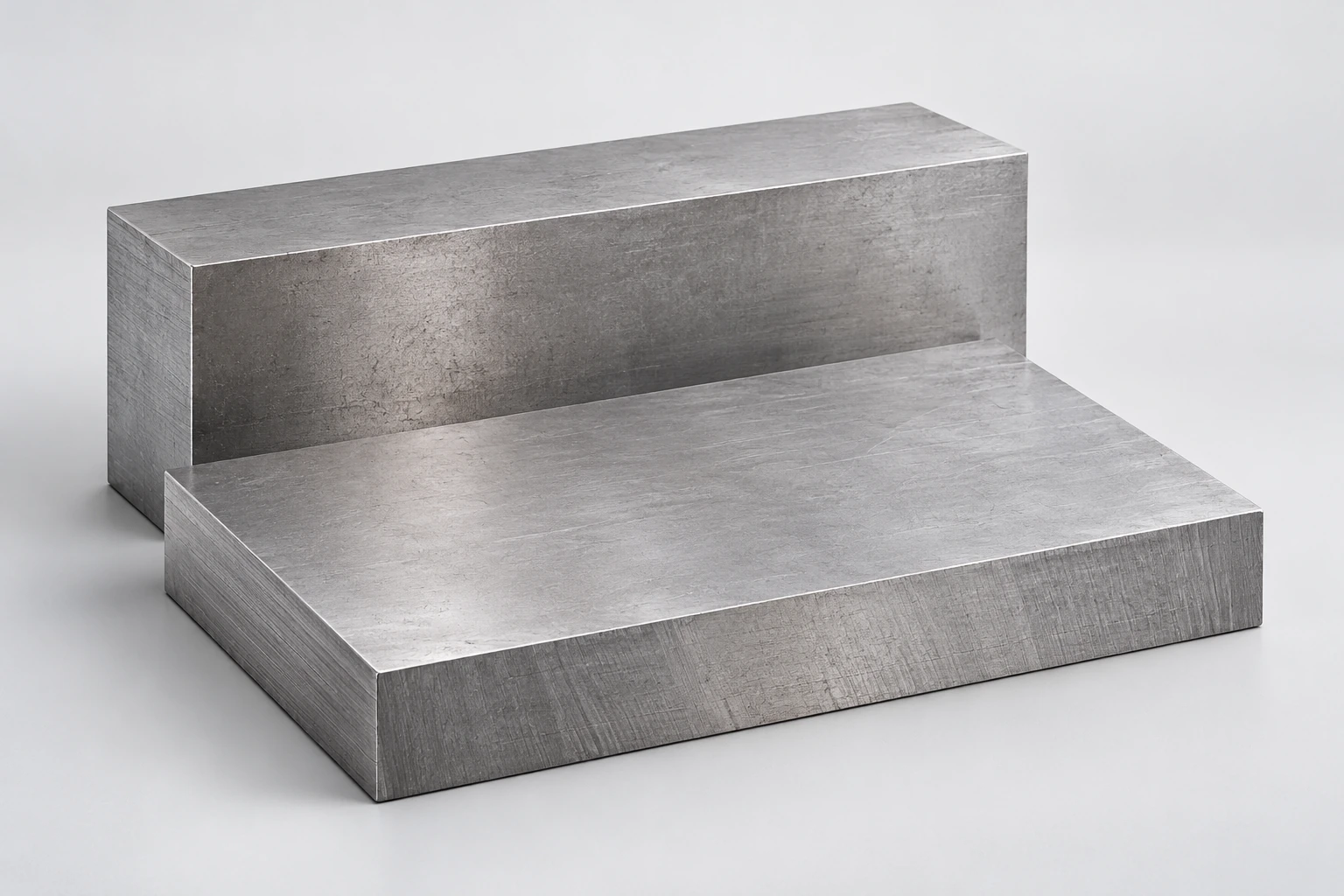
01
S136
Plate & block stock
Explore material
S136
MATERIAL IN COMPONENT RECORDS
S136 is listed in SENLAN material records.
INCLUDE IN YOUR RFQ
State the exact grade, supply condition, hardness and finish requirements.
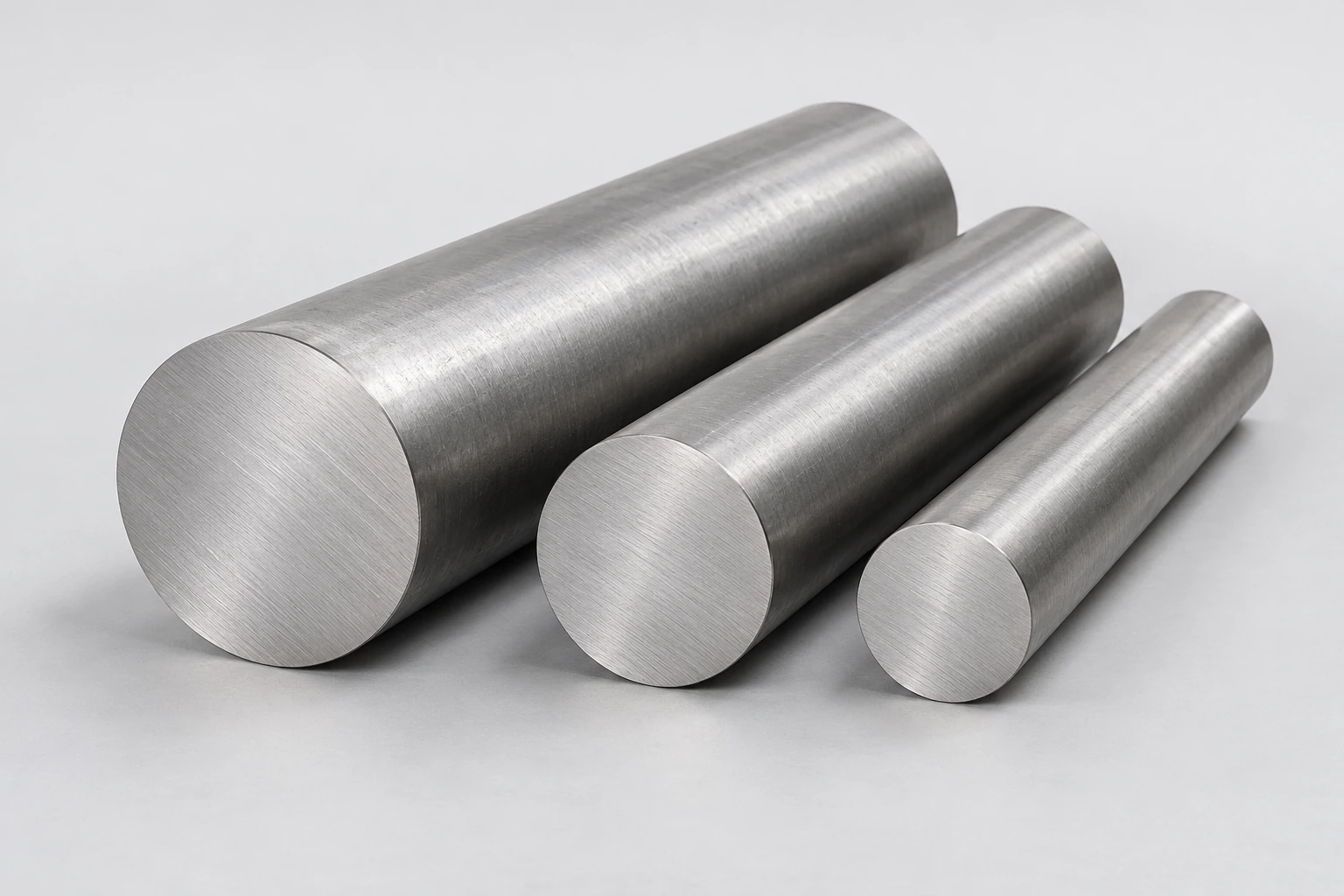
02
SKD61
Round-bar stock
Explore material
SKD61
RECORDED COMPONENT USE
Core-pin components; nitriding appears in a sample record.
INCLUDE IN YOUR RFQ
Define the pin geometry, final hardness and the required treatment scope.
03
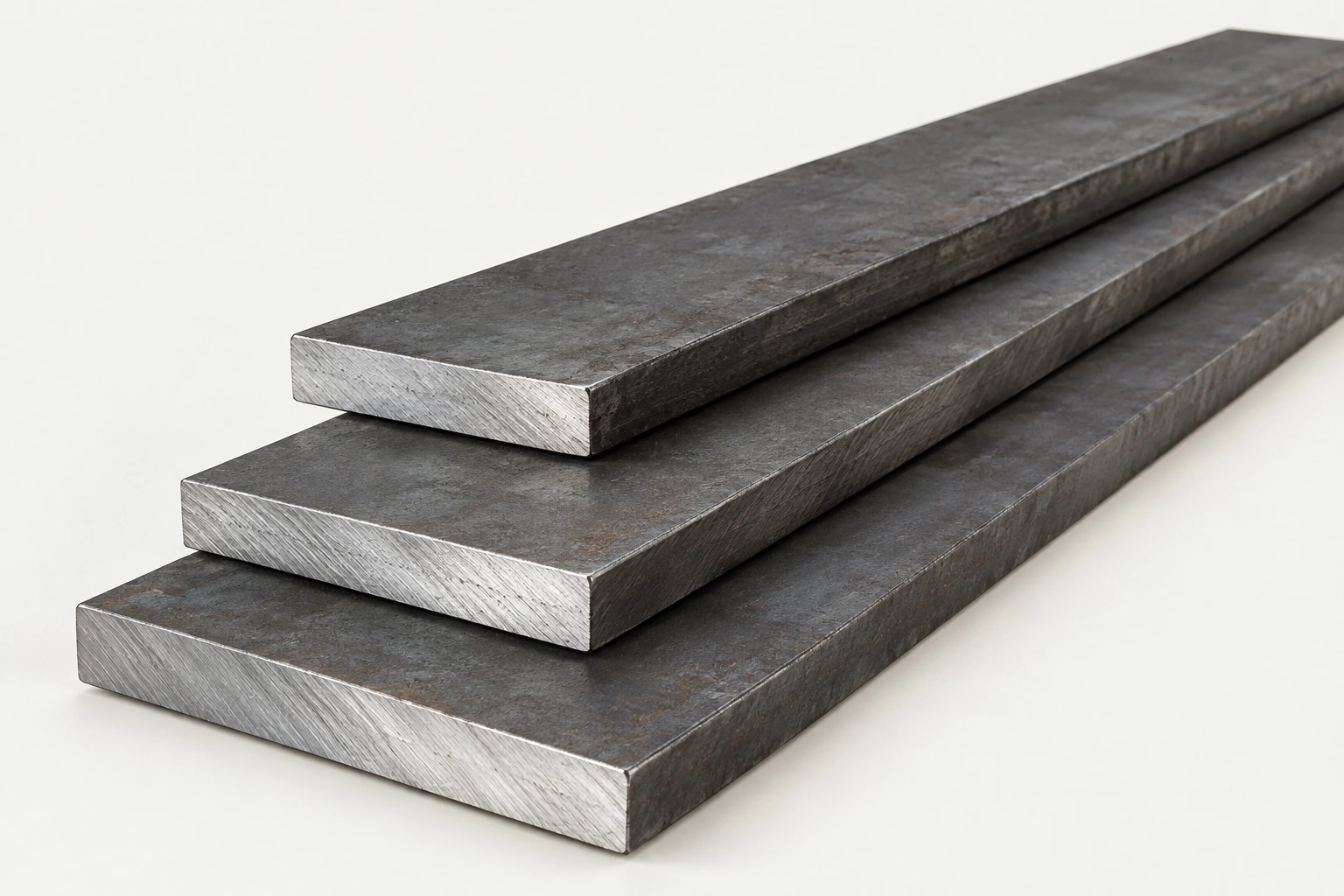
SKD11
Flat-bar stock
Explore material
SKD11
RECORDED COMPONENT USE
Slider components appear in SENLAN records.
INCLUDE IN YOUR RFQ
Identify the mating faces, hardness requirement and protected edges.
04
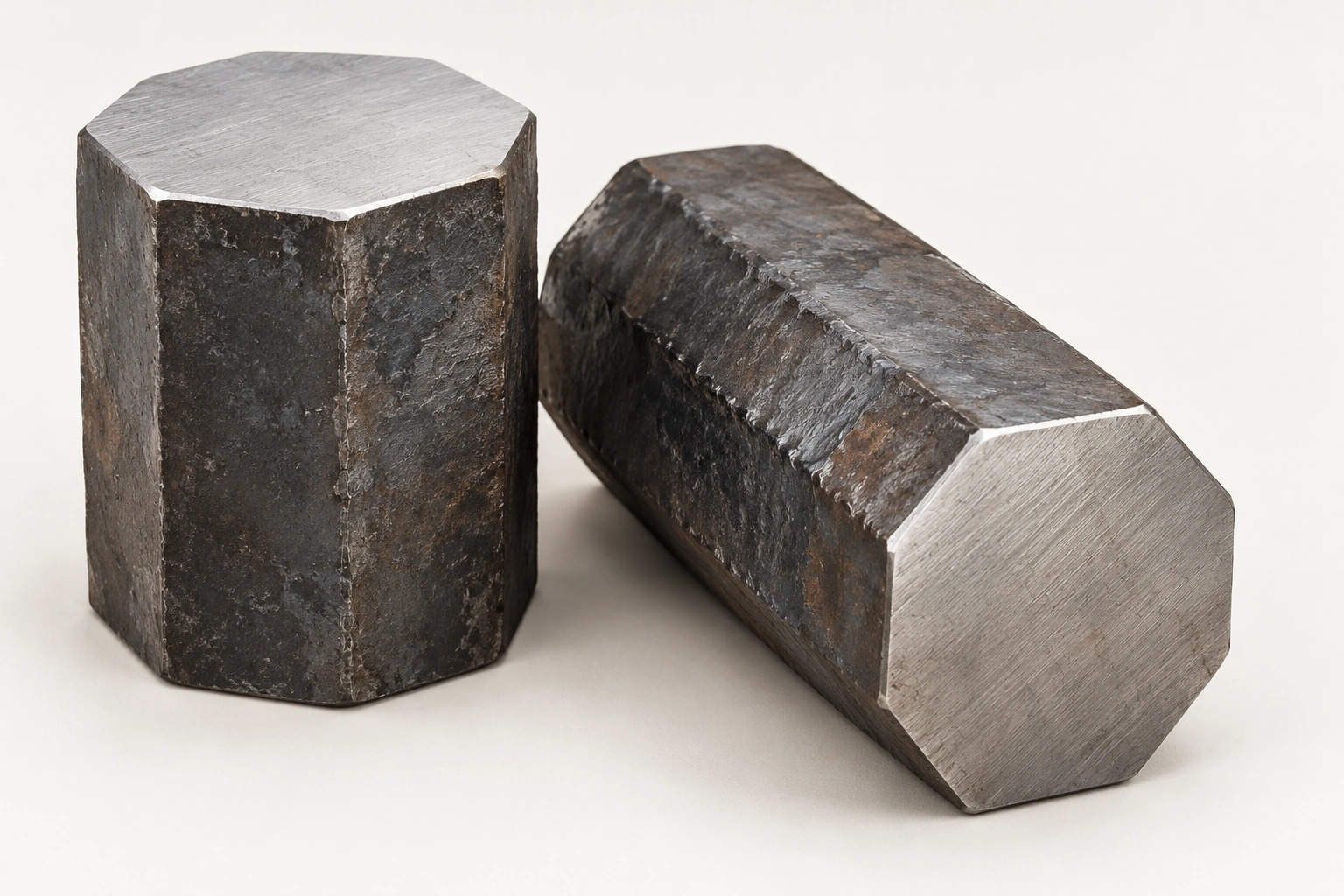
1.2343
Forged-billet concept
Explore material
1.2343
RECORDED COMPONENT USE
Cam / locking components in a slide assembly.
INCLUDE IN YOUR RFQ
Specify the grade for each mating component and its required condition.
05
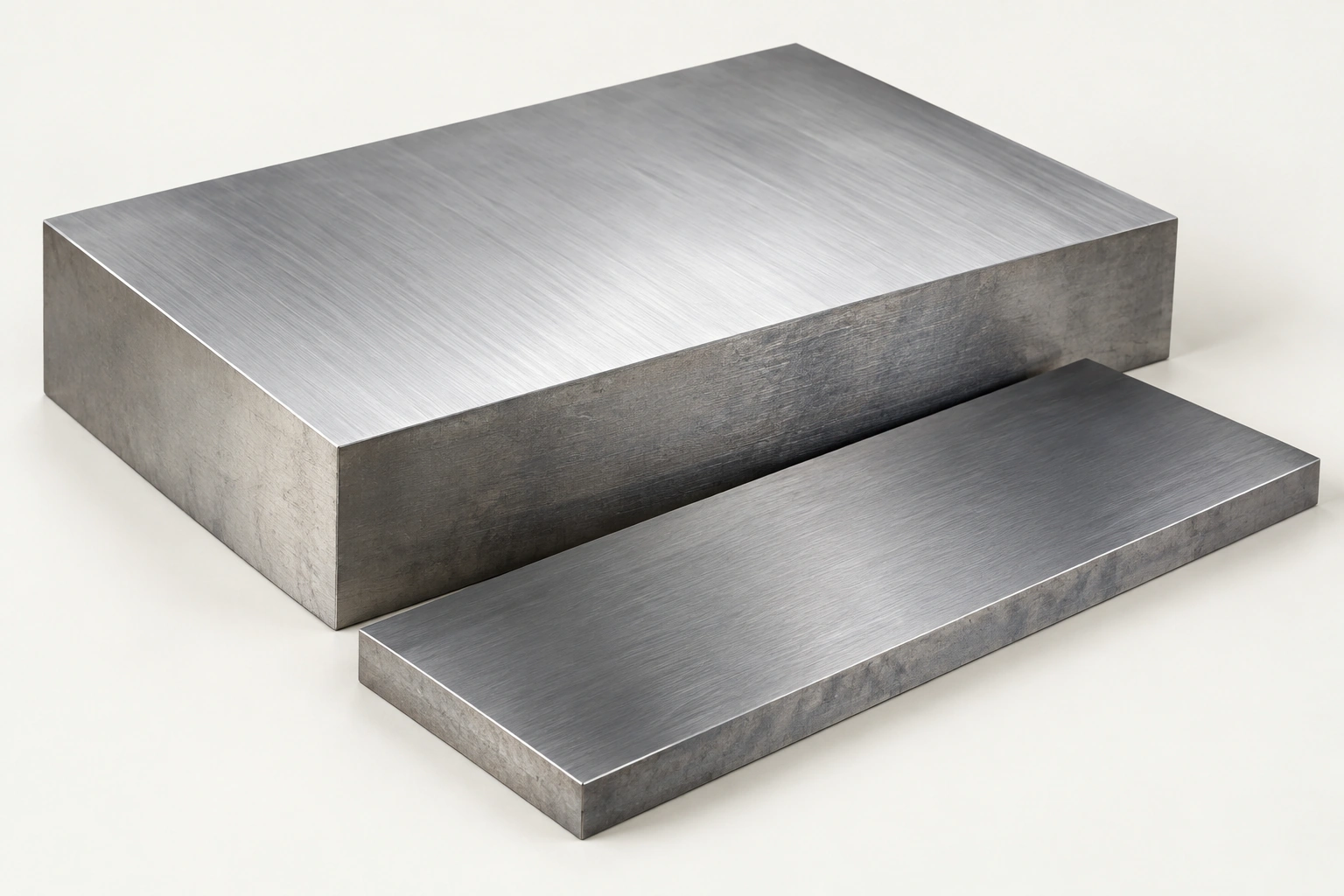
718H
Block & plate stock
Explore material
718H
MATERIAL IN COMPONENT RECORDS
718H is listed in SENLAN material records.
INCLUDE IN YOUR RFQ
Confirm the grade, supplied condition and requirements for further processing.
06
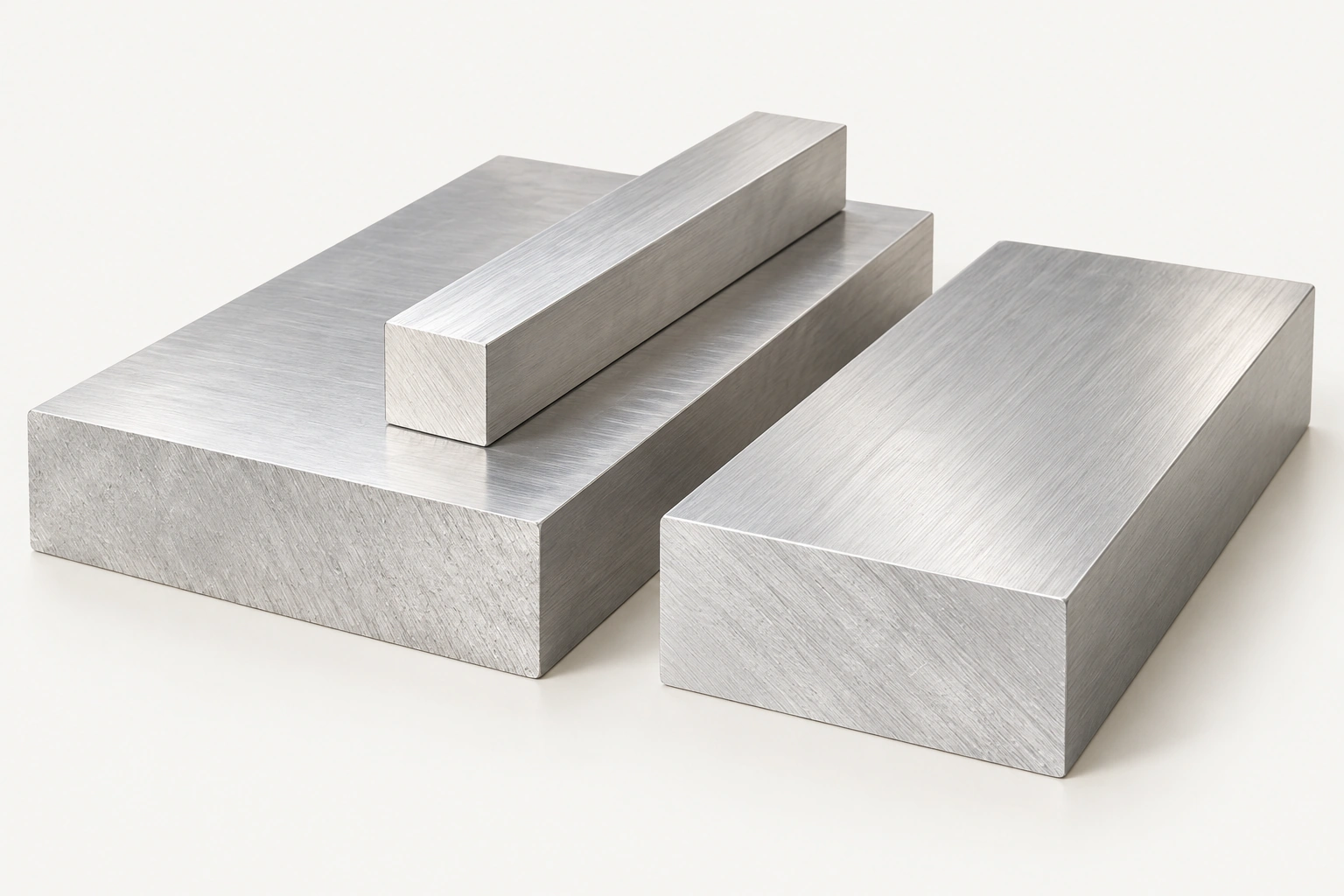
AL6061
Aluminum-stock concept
Explore material
AL6061
RECORDED COMPONENT USE
Base-plate and support components.
INCLUDE IN YOUR RFQ
Specify the alloy condition and any anodizing or surface requirements.
AI stock-form illustrations · Grade cannot be identified from appearance. Record references do not establish suitability for every electronics or connector mold. Confirm the specification by component.
05 / WORKING WITH SENLAN
Keep the important
details connected.
Connect the drawing, manufacturing route and inspection brief. Discuss critical interfaces early, then agree the supply and reporting scope.
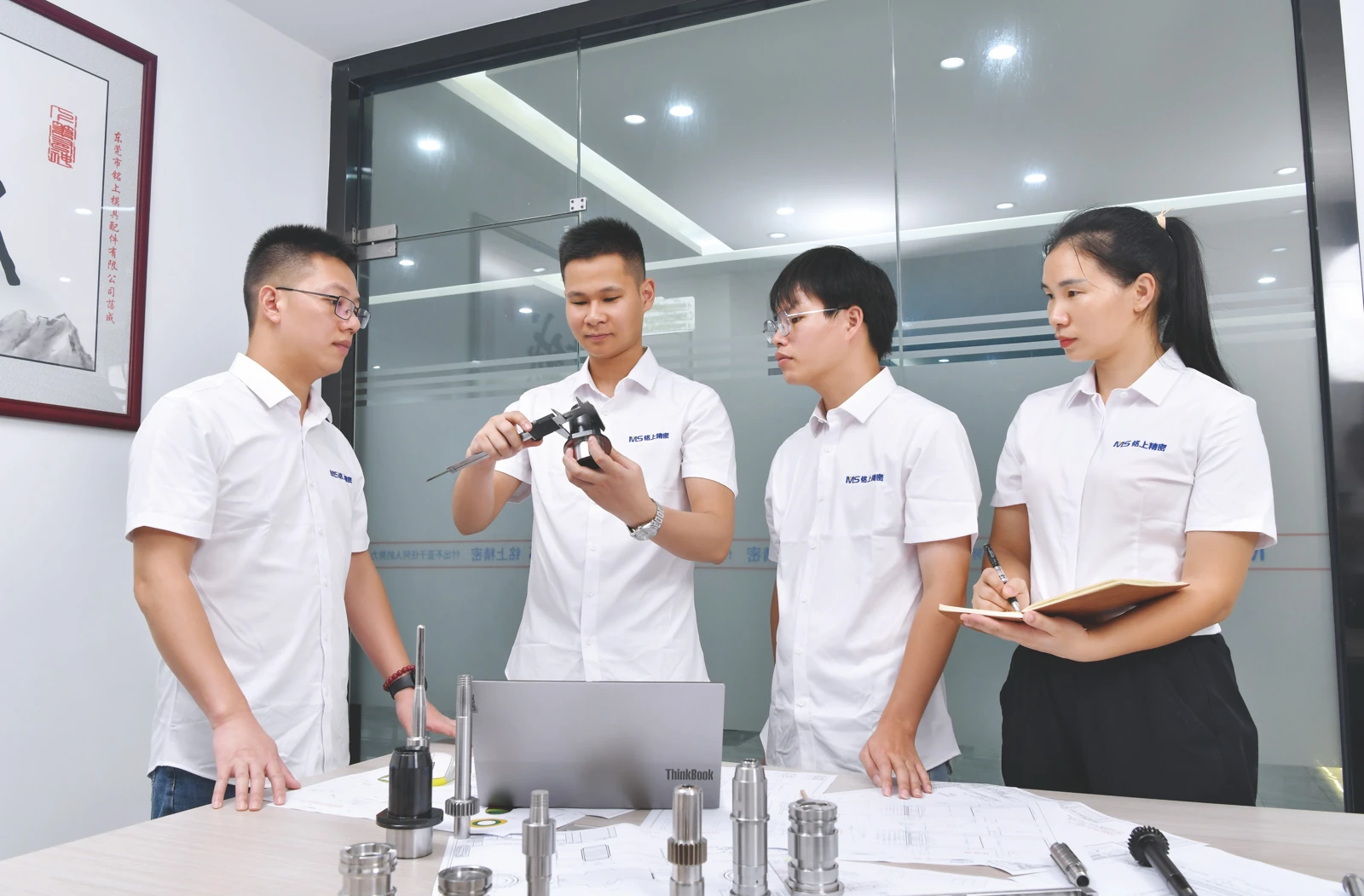
A review built around the component
Bring the molded region, locating faces and assembled condition into one review. Flag dense features and thin sections before the route is agreed.
Drawing & revision review
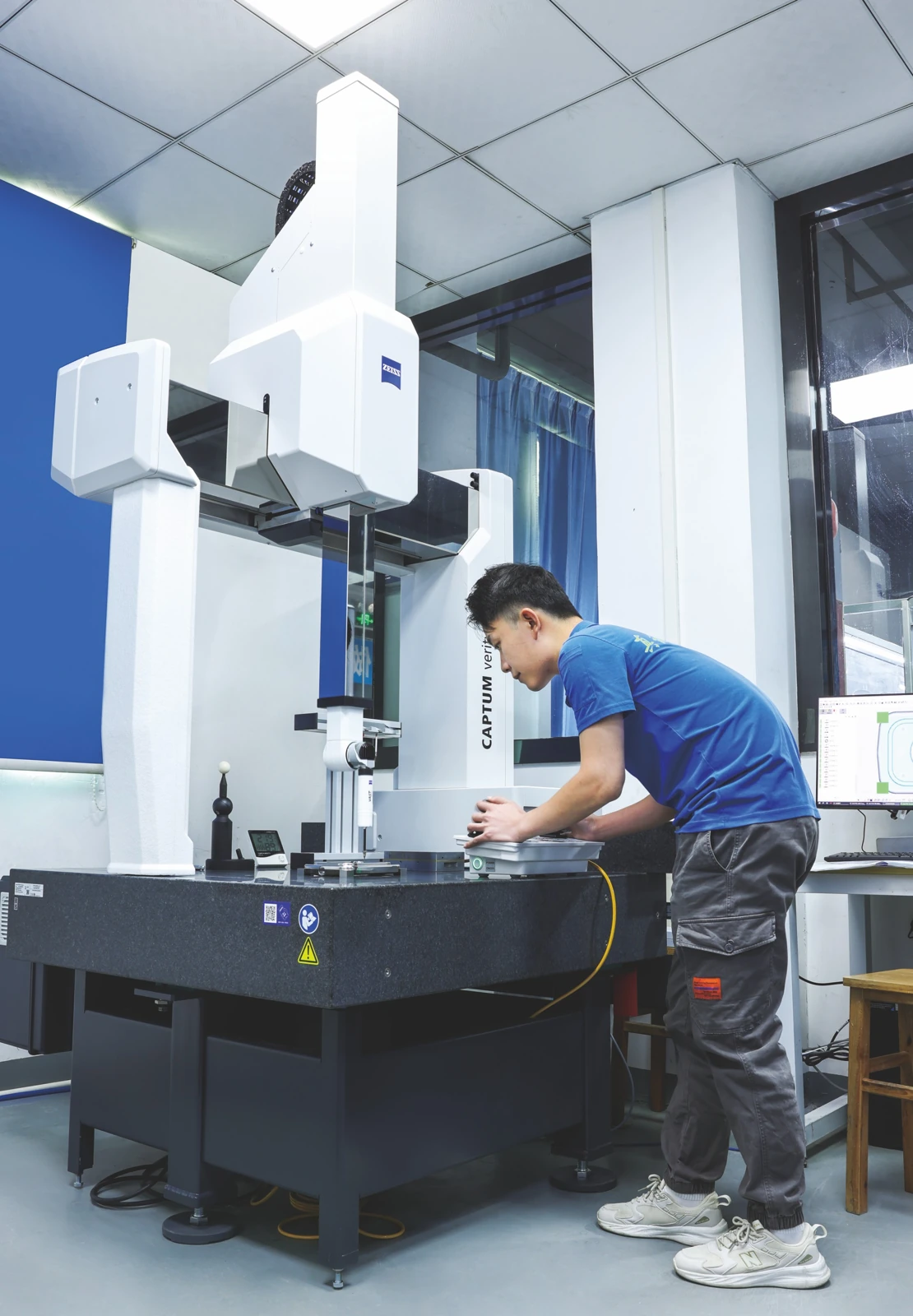
Choose a check that can reach the feature
Review the datum scheme, access and reporting scope. The equipment list includes ZEISS CMM, MITUTOYO vision and TZTEK vision systems.
ZEISS · MITUTOYO · TZTEK
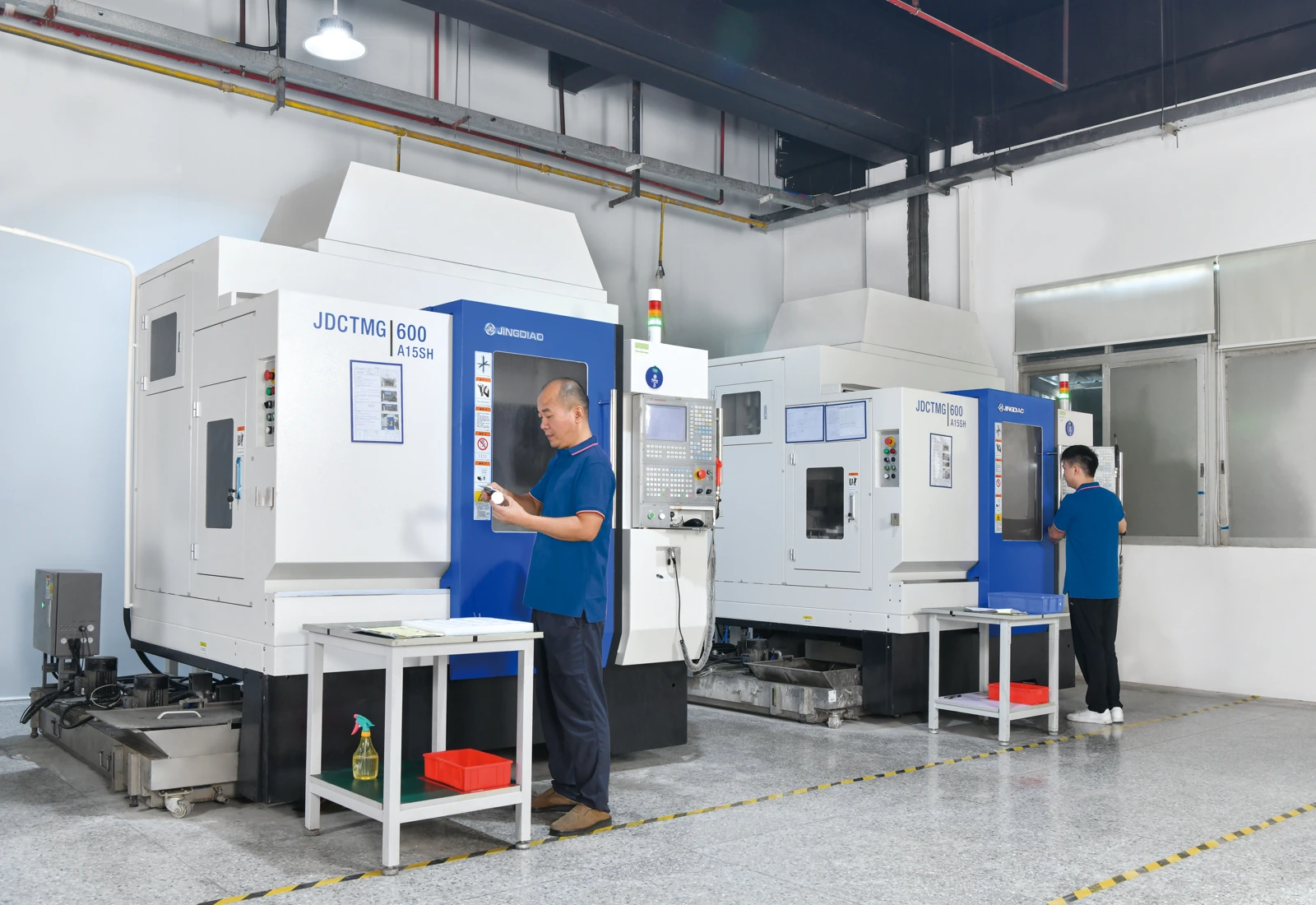
Accessible geometry & reliable references
Plan pockets, profiles and datum faces around the actual setup. Preserve the reference needed by the next operation.
JINGDIAO CNC · 7 units · recorded 0.005 mm
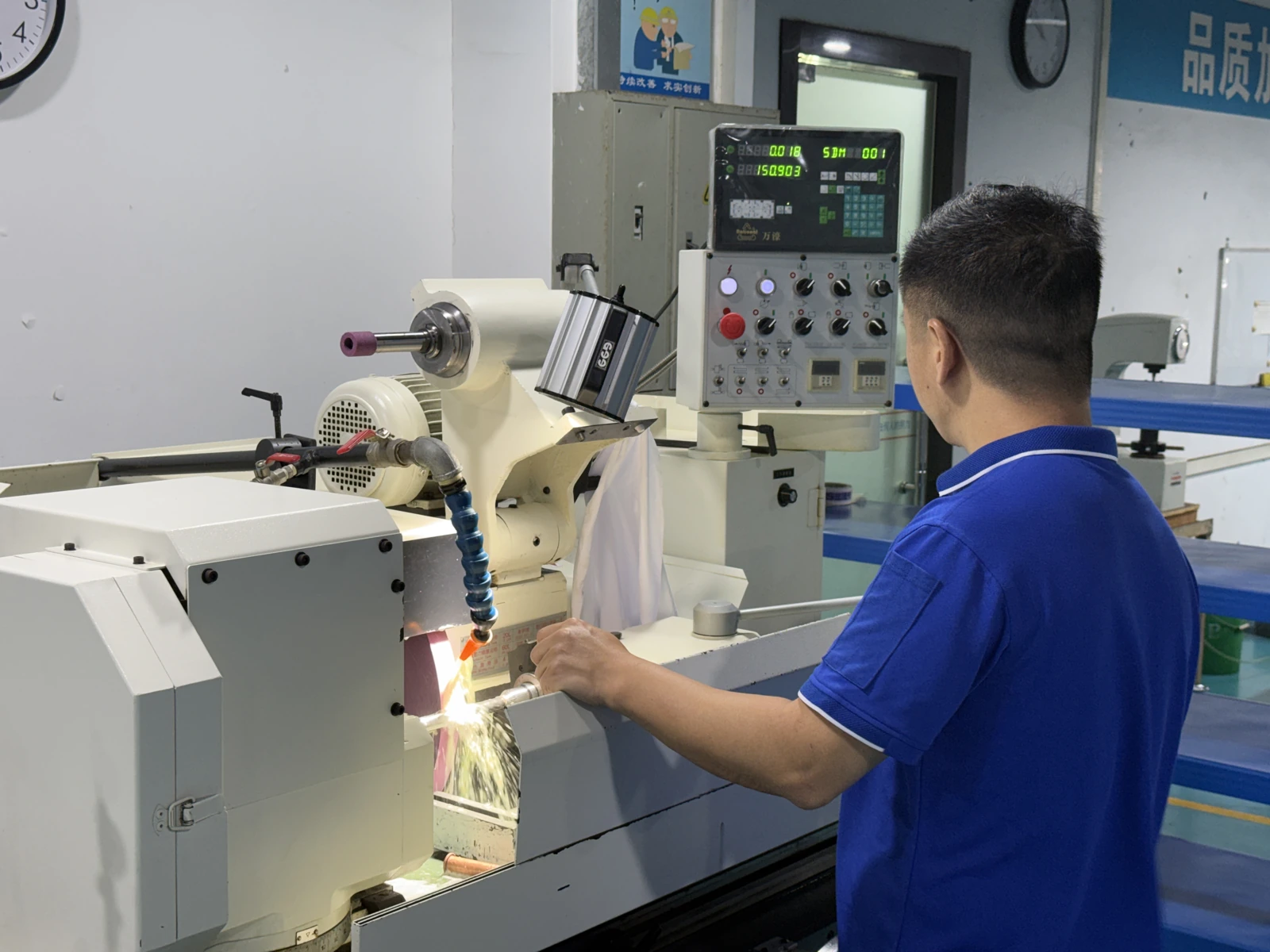
Seating faces & thickness control
Separate fitting faces from forming surfaces. Define finish boundaries and edges that must remain protected.
7 surface grinders · recorded 0.002–0.003 mm
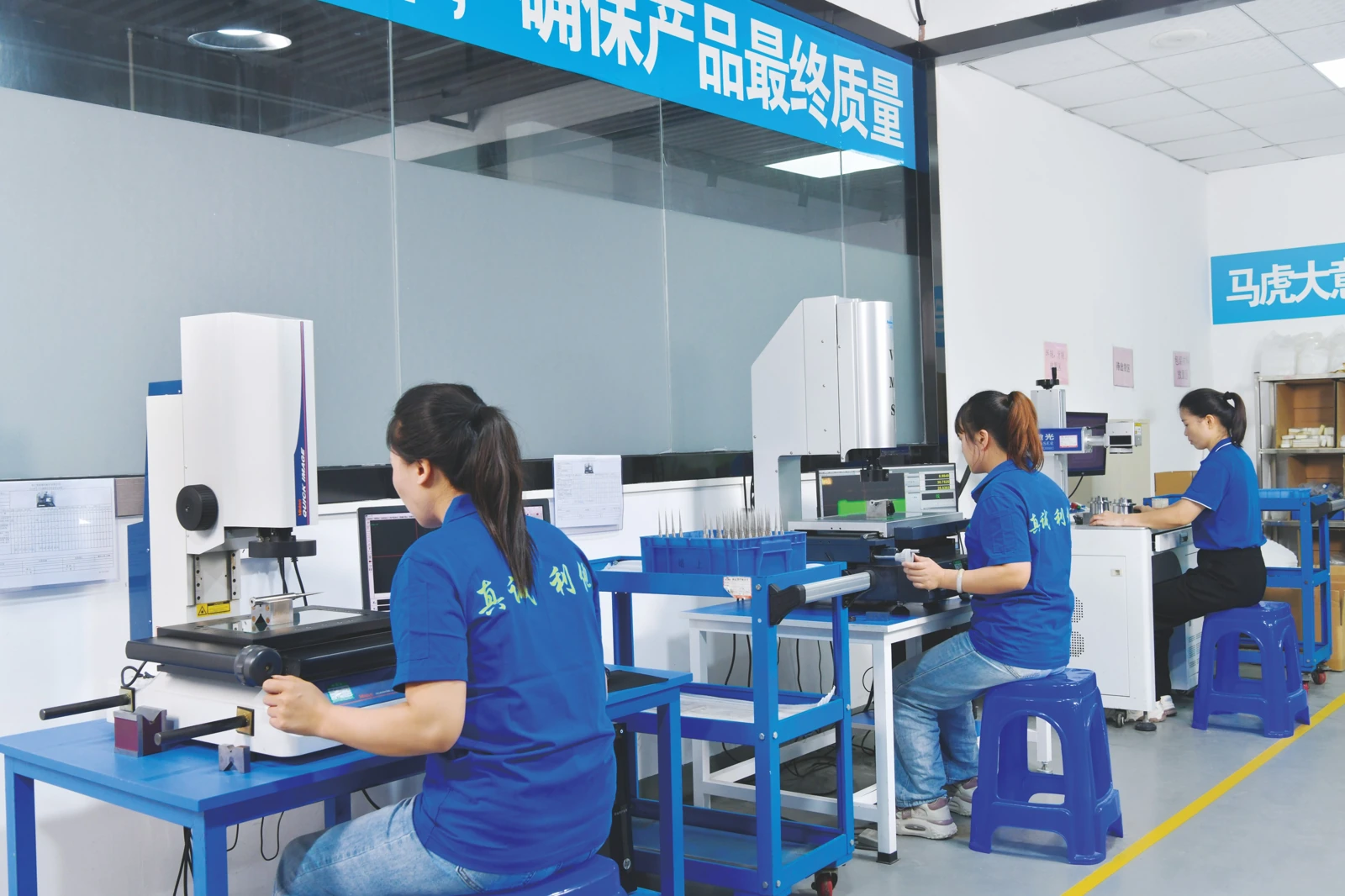
Restricted-access detail & profile checks
Review EDM for suitable blind recesses and narrow details. Agree a measurement method that suits the finished feature.
MAKINO EDGE3 EDM · 2 units · recorded 0.005 mm
Equipment and recorded “actual precision” values come from the supplied equipment summary. They are not universal part tolerances or measurement uncertainties; no ± sign is implied. Photographs illustrate SENLAN activities and are not tied to a specific connector project.
ELECTRONICS & CONNECTOR COMPONENT CHALLENGES
Small details.
Connected decisions.
A hole can be the right size and still be in the wrong position. A polished edge can change a shutoff condition. A replacement insert needs an agreed mating reference. Make these relationships visible before manufacture.
THREE QUESTIONS FOR YOUR COMPONENT SUPPLIER
Make the review specific.
01
Is the functional scope clear?
Separate surfaces that form the part from those that locate, guide or support the component.
- Part number, revision and quantity
- Local sections and mating references
- Protected edges and supply boundaries
02
Can the feature be made and checked?
Review access, remaining steel and the reference used through each operation.
- Tool or electrode access
- Finishing and treatment allowances
- Measurement access and datum scheme
03
What proves the agreed result?
Define the evidence required for each critical feature and for the assembled condition.
- Dimensional or profile reports
- Matched-piece identification
- Specified gauge or assembly checks
LET’S REVIEW YOUR COMPONENT
Send the drawing.
Show the critical detail.
Share the component geometry, mating references and inspection requirements. Define the manufacturing scope for your electronics or connector mold components.
Need an NDA first? Use the existing RFQ without uploading detailed files and select the NDA option.
Your drawing-review checklist
0 / 4 ready
Use this checklist to prepare your inquiry. These selections do not submit a request.
PRACTICAL QUESTIONS
Before you
send the RFQ.
Details that turn a component drawing into a clear manufacturing brief.
What should I supply for dense holes and narrow slots?
Provide center positions, local sizes, depth or through condition, root radii and the datum scheme. Include sections showing tool and measurement access. Mark features that require individual reporting.
How should thin steel and mating faces be marked?
Show local sections and protected edges. Identify intended contact, relief and the mating reference separately from forming surfaces. State permitted edge treatment and the final surface requirement.
How do I define checks for repeat or replacement parts?
State the part number, revision, common datums and critical comparison features. Identify matched sets and spares. Specify any gauge, assembly or interchange check separately from dimensional inspection.